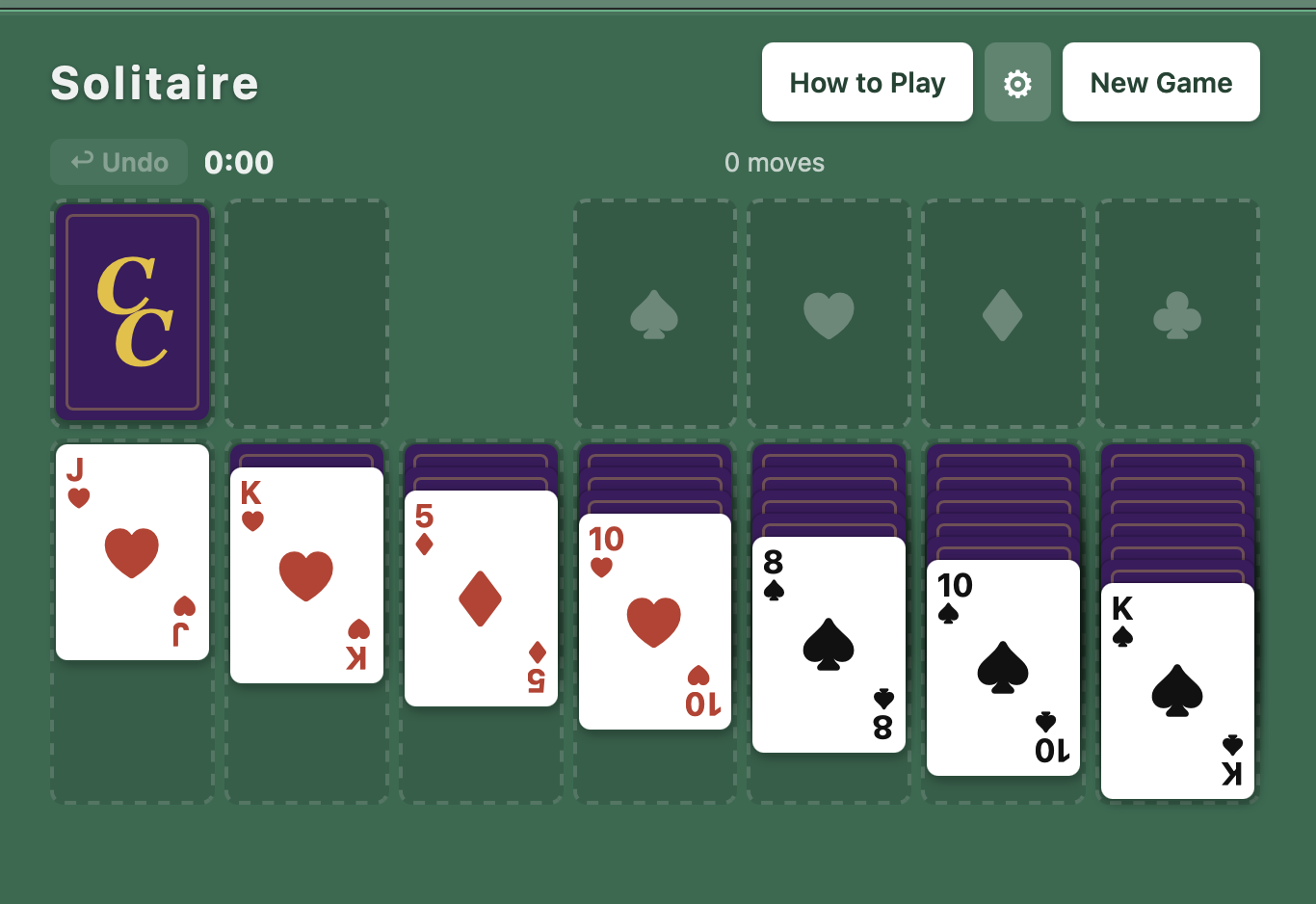
My wife enjoys solitaire on her iPad. I worked up this simple version for the web so she could play it without advertisements and from any device that could access the web from a browser. You can enjoy it too!
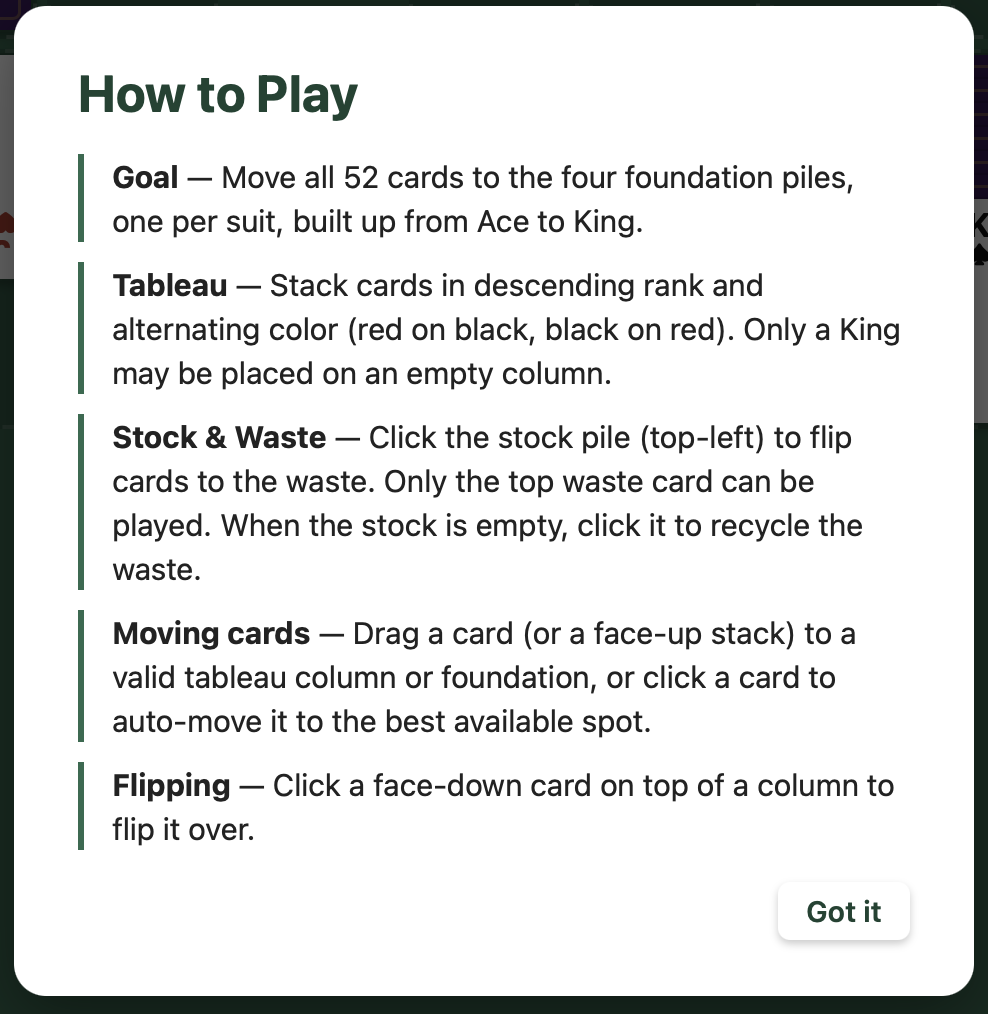
If you’ve never played, this may help you learn. It is included in the game just a button click away.
Move all 52 cards to the four foundation piles, one per suit, built up from Ace to King. In the tableau, stack cards in descending rank and alternating color. Flip cards from the stock pile when you’re stuck, and recycle the waste when you run out. Click a card to auto-move it, or drag stacks between columns.
The next three dialogs are accessed from the little “cog wheel” icon found between the How to Play button and the New Game button. When tapped you will see the dialog with three tabs. You can change the card back initials from ‘CC’ to yours if you wish. I chose the default to be my wife’s initials. 🙂
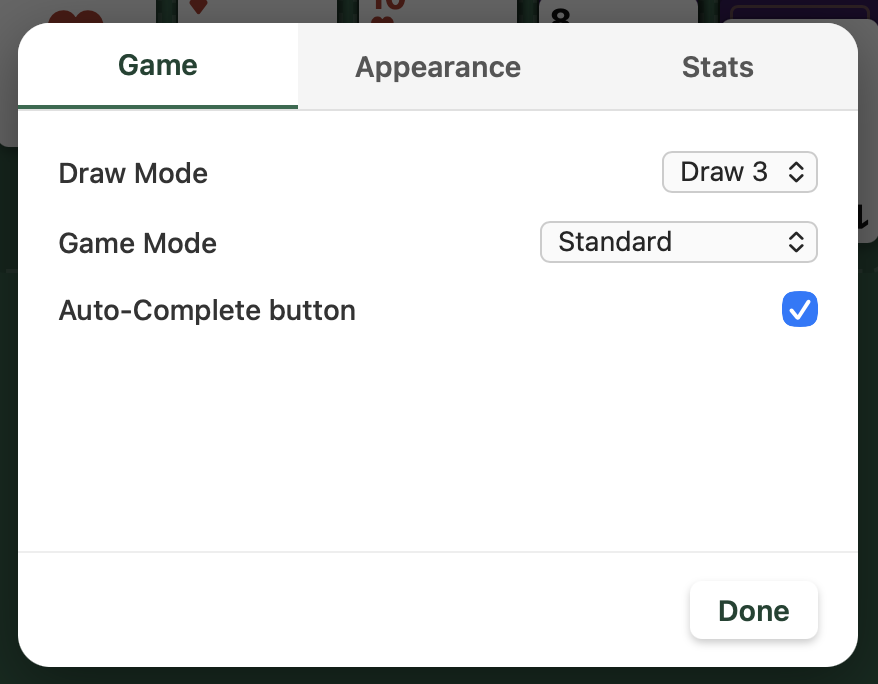
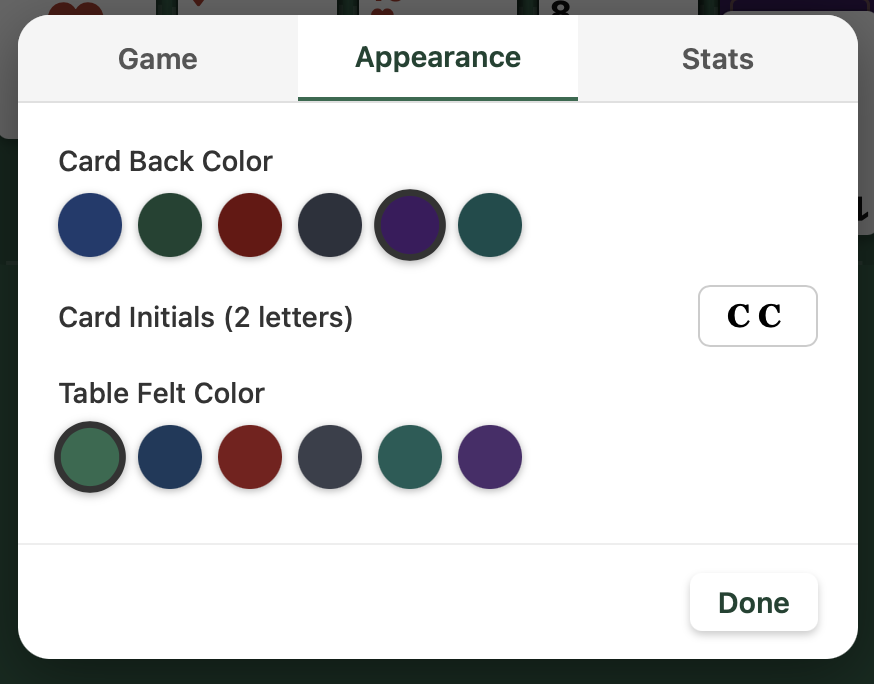
Here are some of the features we hope you use to get more enjoyment from the game. Turn them off / on to get something diffrent from your play.
- Draw 1 or Draw 3 mode
- Standard play or Timed Challenge (5, 10, or 15 minutes)
- Undo up to 50 moves
- Auto-complete when the game is won
- Move counter and elapsed timer
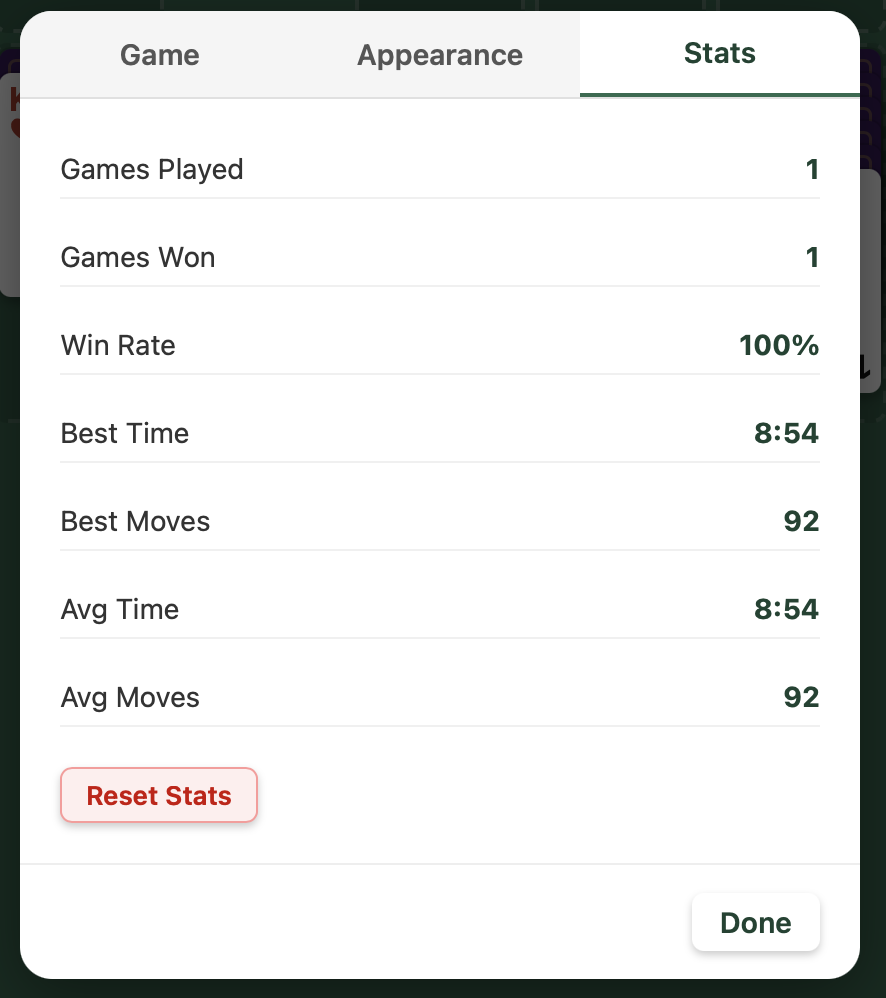
- Stats tracking — win rate, best time, best moves, averages
- Customizable card back color, table felt color, and card initials
- Works on desktop and mobile — touch and mouse support
- Saves your preferences across sessions
You can add solitare to your home screen on iPhone or Android for a fullscreen app experience! If you enjoy solitaire, be sure to tell others!